
A family's wealth almost always lives in a spreadsheet only one person understands. The rentals are in there, the notes, the loans, the partners, the paperwork — and the day that person is gone, nobody can read it. InverRent doesn't compete with rental-management apps: it competes with that spreadsheet. That's why the heart of the app isn't collections, it's net worth, debt with its real outstanding balance, and succession.
Real screenshots, not mockups. Tap any of them to see it full size; arrows move between them, Esc closes.
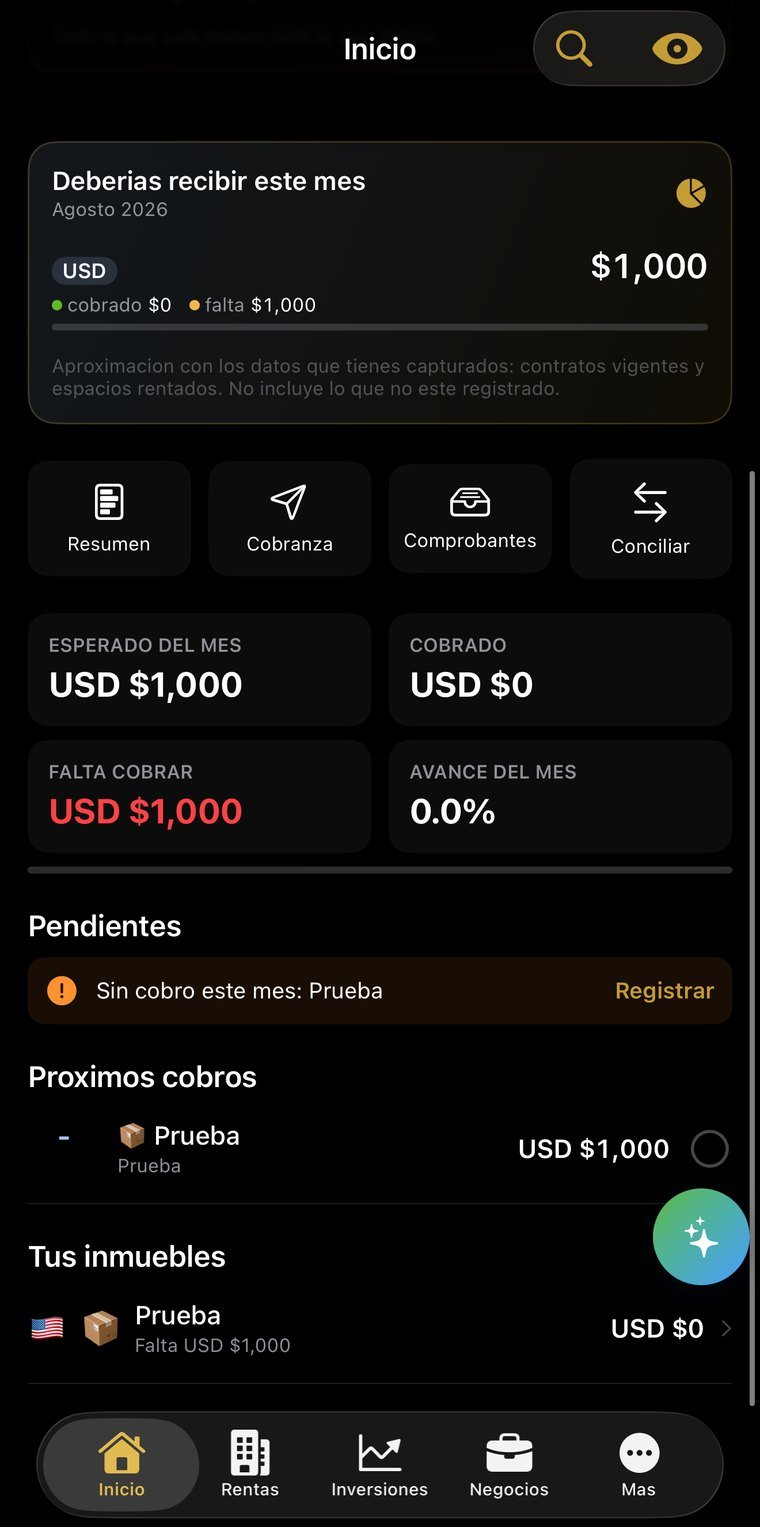
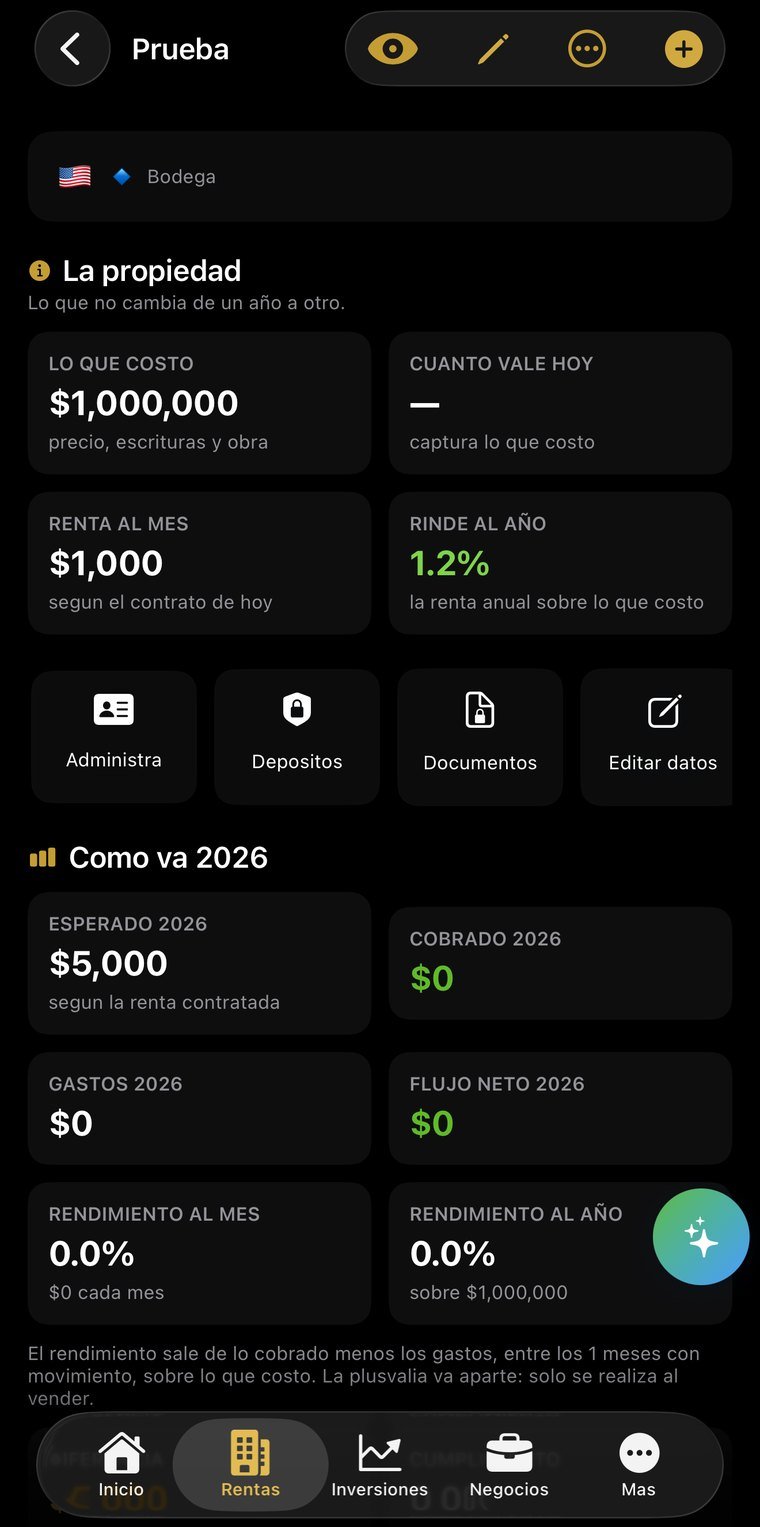
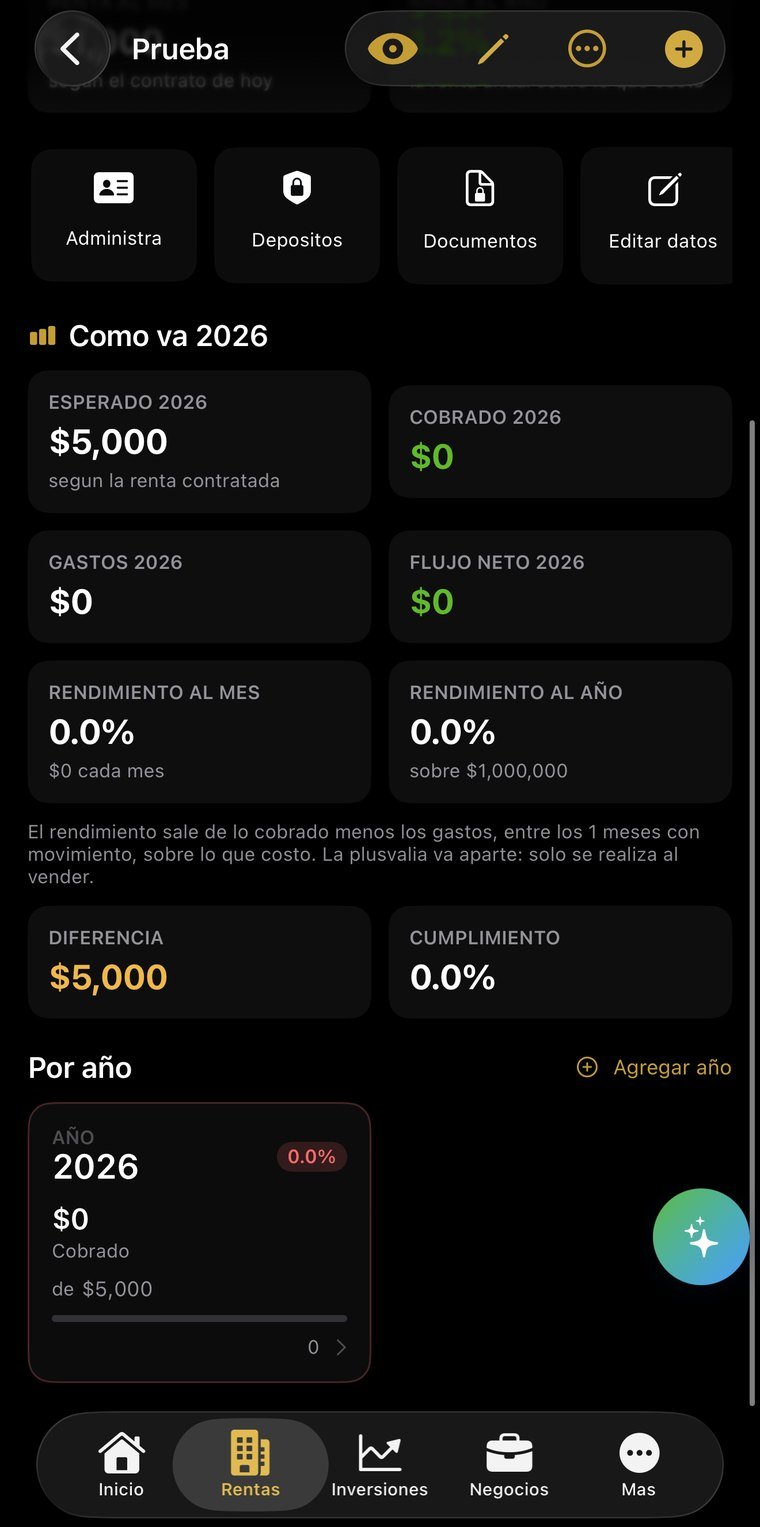
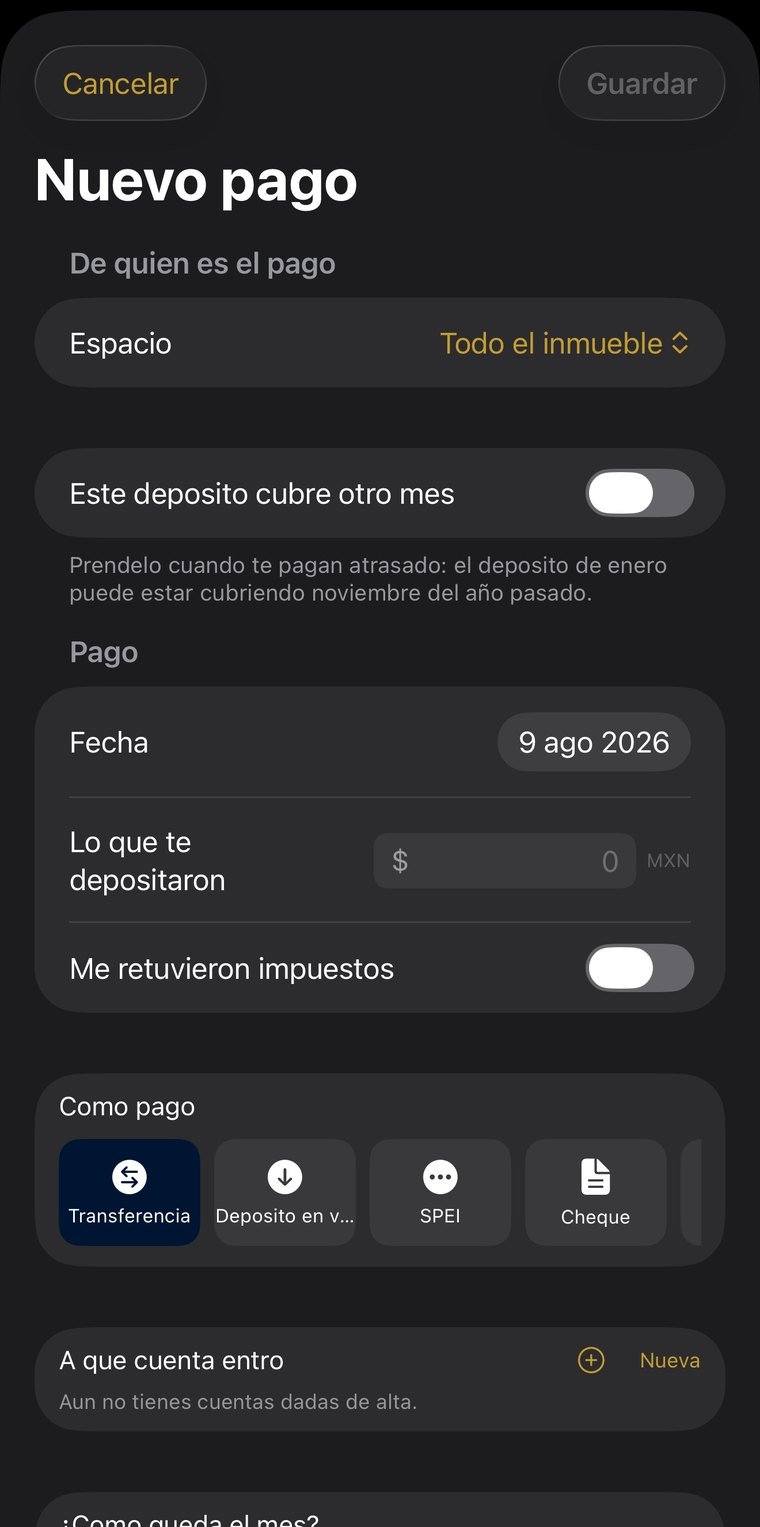
A whole house or unit by unit, with tenant, lease, collection day, grace period and security deposit. The annual increase is set in the lease —fixed, inflation-indexed, or inflation plus points— and when the month arrives the app flags it with the new rent already calculated. It tells editing apart from adjusting: editing fixes a typo and does touch past months, adjusting only applies going forward because the rent actually changed.
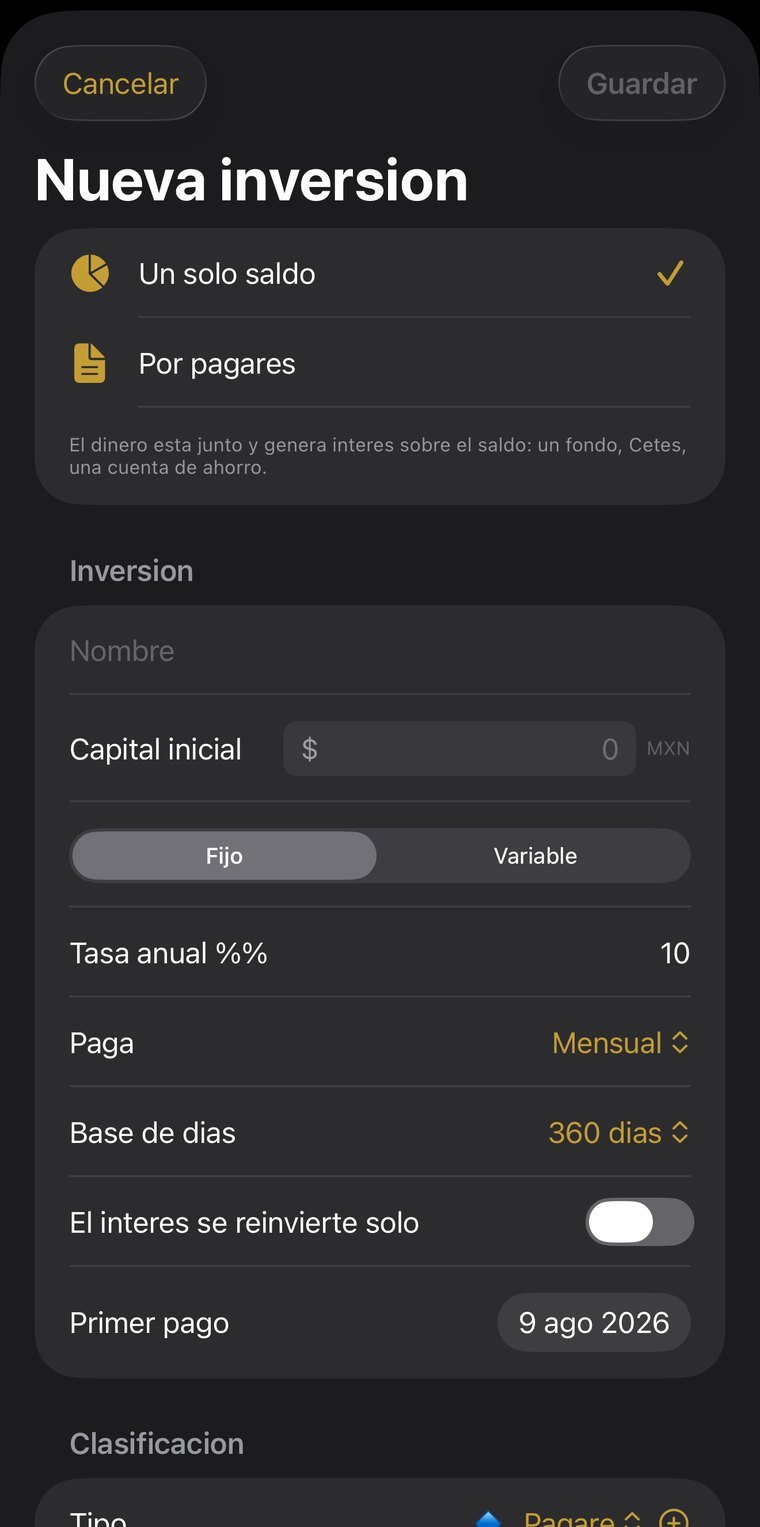
Every placement with its number, term, rate and interest schedule. Interest is computed in tranches: each withdrawal or deposit opens a new one, so earlier days keep their yield. It separates gross interest, tax withheld and net, using the day-count basis —360 or 365— each institution actually uses.
Dividing what you earned by today's capital understates the result for anyone who added money over time. The app weights capital by the days it was actually invested and annualizes on that base. It's the difference between a number that looks good and one you can defend.
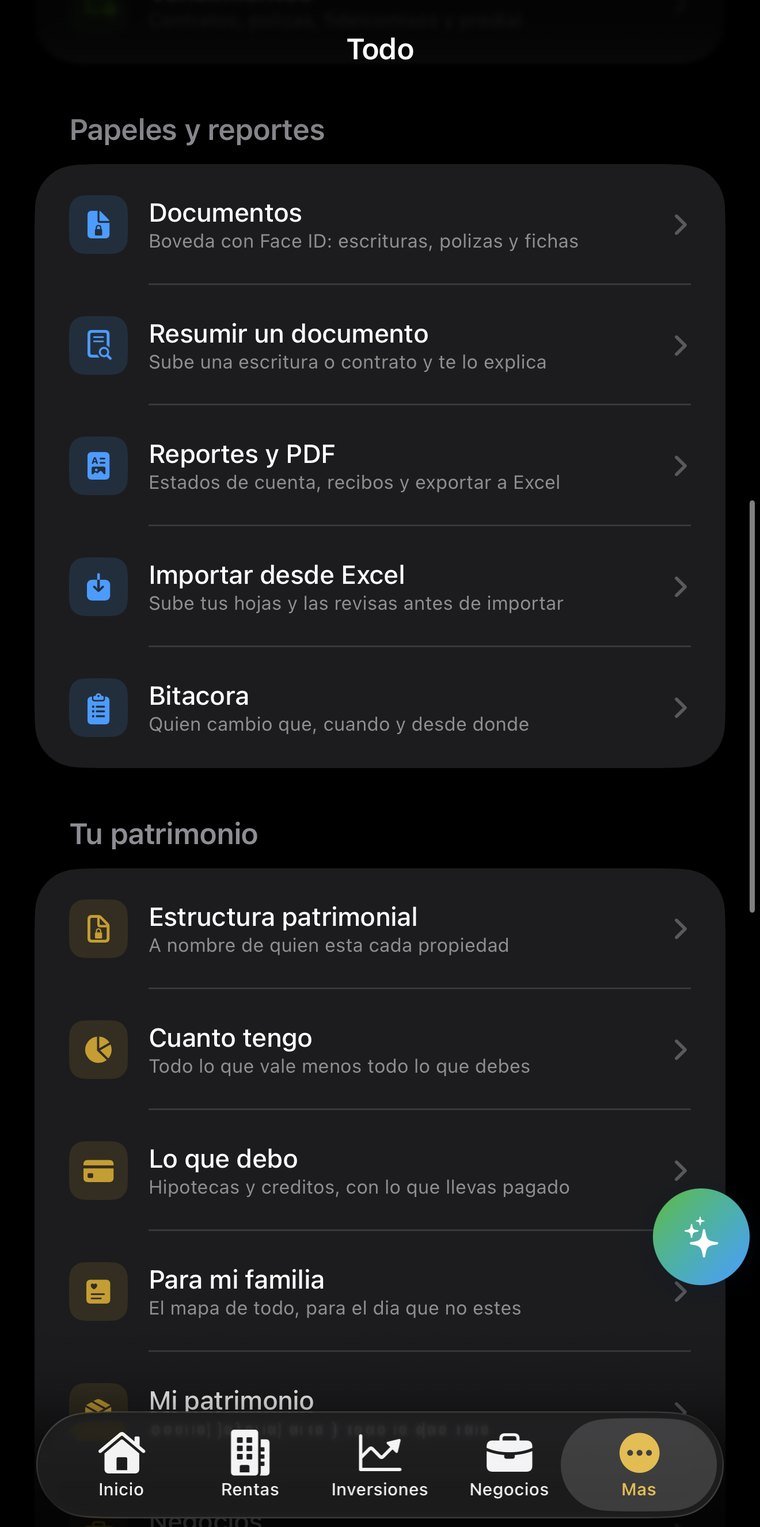
Loans with their amortization table, real outstanding balance, how much of what you've paid went to principal versus interest, and a prepayment simulator. Net worth adds property, investments, businesses and personal assets, subtracts debt, and is shown separately by currency — pesos and dollars are never added into one total.
A directory with tax and banking details, ownership by property or by business, expenses split by percentage, a record of distributions, and return on what each partner put in. From a partner's card you can grant access so they see their share from their own account.
49 document types that classify themselves from the file name, protected by Face ID and with text recognition. Statements are filed by year and month, and the app flags the missing ones with a week of grace after the close.
Gross interest and creditable withholding by institution and by year, rents in gross with their withholdings. The rate changes with the country of the investment and with whether it's computed on principal, as in Mexico, or on interest, as almost everywhere else.
Who gets what, who to call, and where the papers are. It's the part usually only one person knows and that is never written down anywhere.
No new account, nothing to install: you sign in with the same email and password as the app and see your information on a big screen. Useful for reviewing, showing someone something, or printing without passing screenshots around.
The email and password you already use. If you don't remember it, the reset email goes out from that same screen.
Properties, spaces and units, leases, rent payments…
The session lives only in that tab and is erased when you close it. If you signed in on a borrowed computer, nothing is left behind.
The web is for reading; entry happens in the app. Two places writing at once is how information stops reconciling and changes get lost — we'd rather that simply couldn't happen.
Permissions are enforced server-side, not by the page. From the browser you can't reach information that isn't yours, even if someone tries by hand.
The web is read-only. You enter data in the app; here you consult it.
For whoever runs a family's or a partnership's holdings: rental property, money in brokerages or finance companies, live loans, and stakes in businesses.